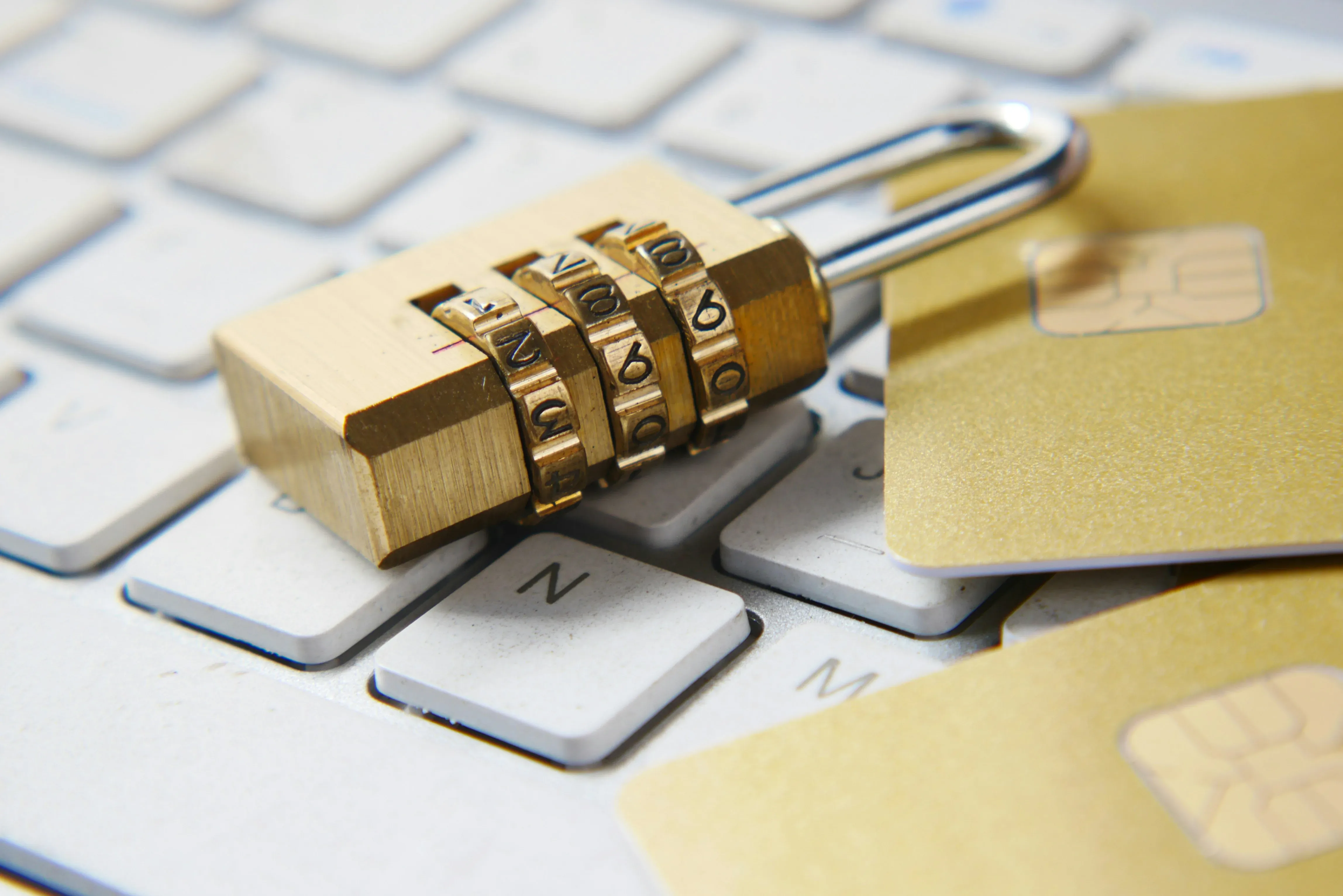
We live at a time when there’s never been so much at stake regarding our personal online privacy. One of the best ways to keep sensitive information safe from unauthorized access is to use encryption. No matter how casual you may be about surfing the web — or if you have a job requiring you to deal regularly with sensitive information — learning how encryption works will greatly enhance your online security. Here we provide a step-by-step guide covering the basics.
What is Encryption?
Encryption takes what would normally be legible text (plaintext), converts it into unintelligible code (ciphertext) via some type of mathematical algorithm, and uses a secret “key” to do so. Using the proper decryption key enables a user to convert ciphertext back into plaintext. In other words, if a third-party intercepts encrypted data during transmission, the interception will appear to be nothing more than garbled nonsense to the interceptor.
Why Does Encryption Matter?
- Confidentiality: Encrypting data helps ensure that only people who are supposed to see it are able to view it. Examples include protecting private communications; protecting your financial records; protecting your medical history; protecting sensitive company documents etc.
- Integrity: Techniques such as message authentication codes (MACS) and digital signatures allow users to determine whether their data has been modified while it was in transit. If just one bit of the original data has changed, the receiving party knows something was done to alter the message in-transit.
- Authentication: Encryption also serves as the basis for identity verification. With the use of digital certificates and signatures, you’re assured that you’re actually communicating with the party you intend to communicate with versus an imposter.
- Reduced Damage Due to Breaches: Even though hackers can steal encrypted data, they’ll still be unable to decrypt/access that data unless they obtain the encryption key. Therefore, in addition to providing protection for your data, encryption offers protection for your business. When attackers steal encrypted data, it becomes virtually worthless to those hackers because they won’t know how to unlock it.
Types of Encryption
Symmetric Encryption
Both encryption and decryption are performed using the exact same secret key within symmetric encryption. Because both parties (the sender and receiver) require access to this secret key prior to exchanging encrypted data, this method requires each party to securely transmit the secret key before sending any encrypted messages. As symmetric encryption algorithms are typically very fast and capable of processing large amounts of data, they’re usually preferred for encrypting large quantities of data.
- AES (Advanced Encryption Standard): Today’s most widely utilized symmetric encryption technique. AES offers three different key sizes, 128, 192, and 256 bits. AES-256 is currently believed to be secure from all practical attacks including predicted future attacks made possible by developing computers which utilize quantum technology.
- DES / 3DES (Data Encryption Standard): Although DES is no longer considered secure due to its 56-bit key length, it was once the U.S. government’s official encryption standard. While 3DES increases the security offered by applying DES three times, it is far slower than AES and is beginning to be replaced.
- ChaCha20: ChaCha20 is another relatively new stream cipher that’s sometimes substituted for AES. ChaCha20 is popular among developers using hardware that does not support AES acceleration. ChaCha20 is used in WireGuard VPN and TLS 1.3.
Asymmetric Encryption (Public-Key Cryptography)
With asymmetric encryption, a user creates pairs of mathematically-related keys. Each key is related mathematically to one another – a public key for encryption purposes and a private key for decryption purposes. Thus, there is no requirement for each party involved in communication to securely exchange a shared secret prior to exchanging data.
- RSA (Rivest-Shamir-Adleman): RSA is likely the most well-known public-key algorithm. RSA’s security is determined by how difficult it is for humans to factorize large prime numbers. Based upon current knowledge and standards, a minimum RSA key size should be 2048-bits.
- ECC (Elliptic Curve Cryptography): ECC achieves similar security levels to RSA with significantly smaller key lengths. That means ECC is faster and more efficient than RSA. For example, a 256-bit ECC key will offer similar protection to a 3072-bit RSA key. ECC is extensively used in applications like TLS, SSH and cryptocurrency-based systems.
- Diffie-Hellman Key Exchange: Diffie-Hellman is not itself an encryption algorithm but rather a protocol that enables two entities to mutually agree on a shared secret across an unsecure medium. Diffie-Hellman is commonly paired with symmetric ciphers.
Using Them Together
In real-world implementations of symmetric and asymmetric encryption methods are often employed together. An example of this is how HTTPS employs asymmetric encryption (via TLS) to securely exchange a symmetric session key that is then used for symmetrically encrypting the actual content transferred during the data transfer. This hybrid model utilizes the identity-verifying aspects of asymmetric encryption along with the rapid execution capabilities of symmetric encryption.
Steps for Encrypting Your Online Data
Encryption is the process of encoding information. This is the primary method used to protect online data. There are several methods of encryption. These include:
Encrypted Email
Proton Mail and Tutanota both offer “end-to-end” encryption. This means that only you, and the person receiving the e-mail, will be able to view the contents of the email. Neither your e-mail service provider nor government agencies will be able to read your emails.
End-to-end encryption also includes a mechanism called “forward secrecy”. Forward secrecy ensures that if a hacker is able to intercept communications in real-time, he/she will not be able to decrypt those communications later.
Encrypted Messaging
Signal is generally considered the gold standard for private communication. Signal uses the “Signal protocol”, which offers end-to-end encryption, forward secrecy, and “post-compromise security.” Post-compromise security refers to the ability to keep communications secret even after someone has gained unauthorized access to your phone/computer/etc.
WhatsApp uses the Signal protocol for its message content. However, Meta collects metadata on who you send messages to, how often you communicate with that individual and how long ago you last communicated with that individual.
Use a VPN
A Virtual Private Network (VPN) creates a safe tunnel through which your internet connection travels. Your internet Service Provider (ISP) cannot see what you do online while you are connected to the VPN because all of your traffic is encrypted.
Choose a reputable VPN company, check their audit logs and make sure they have a no log policy. Do not think a VPN makes you completely anonymous. Think of a VPN as just shifting trust from your ISP to the VPN company.
HTTPS Everywhere
Always check if a website is using HTTPS (padlock symbol). If a website is using HTTPS then that means the data being transferred between your browser and the website’s server is encrypted. The majority of modern browsers alert users when a website is missing HTTPS.
Full-Disk Encryption
Full-disk encryption (BitLocker on Windows; FileVault on Mac; LUKS on Linux) is another form of encryption. Full-disk encryption encrypts all of the information stored on your computer’s hard drive(s). So, if your computer gets stolen and the thief attempts to access the information stored on your computer’s hard drive(s), they will not be able to since it is fully encrypted. You will need to enter your login credentials/password/PIN to decrypt the information.
All modern smart phones (Android/Apple etc.) enable full-disk encryption by default when a user enables a screen lock.
Encrypt External Storage
It is highly recommended that you encrypt any external storage media (USB drives etc.). VeraCrypt and other cross platform programs allow you to create encrypted USB drives and external hard drives. If you lose an unencrypted USB drive, there is a high chance you will never see it again.
Use a Password Manager
You should always use a password manager to generate and store strong, complex passwords for each of your online accounts. Password managers have the option of generating random and very complex passwords for each account. Each of these generated passwords will be stored securely within the password manager’s database, which itself is protected with a master password that you will need to remember.
For example, instead of having one password for multiple sites, you could have ten or twenty strong passwords.
Enable Two-Factor Authentication (2FA)
The second step in protecting yourself online is to enable two factor authentication (2FA) on all accounts that allow it. Two factor authentication requires something you know (your username and password), along with something you have (a physical token, an app on your phone etc.).
Using hardware security tokens (FIDO/WebAuthn) or authenticator apps (TOTP) provide much better security against phishing and SIM swap attacks compared to sending 2FA via SMS/text message.
Encrypt Individual Files
Encrypt any files that contain personal/sensitive information using 7-Zip/VeraCrypt/GPG etc.
Tools like 7-Zip, VeraCrypt and GPG allow you to create encrypted archives and/or containers that will require a password/key to open/access.
Cloud Storage
Most cloud storage services (Google Drive/Dropbox/iCloud etc.) encrypt data both in-transit AND at-rest. However, this still leaves room for error because the cloud storage provider retains the decryption keys, allowing them/law enforcement with a court order/warrant to view/access your files.
Therefore, if you want to ensure that your data remains private and secure, you should consider using client-side encryption layers like Cryptomator/Trezor/Cryptomate etc., or find a zero-knowledge provider like Tresorit.
Keep Software Up to Date
Keeping software up to date helps prevent hackers from finding vulnerabilities in encryption algorithms and taking advantage of them. Even if an algorithm appears to be incredibly secure, it will fail if there are bugs in the application software that implements it.
Common Challenges
Managing Keys
Losing an encryption key will result in permanent loss of access to the encrypted data it protects. Make sure you back up critical keys securely and look into key management solutions for organizations.
Performance Overhead
Encryption takes some processing power however most devices today (especially laptops/desktops/CPUs with AES-NI instructions) handle it with almost no performance impact.
The Future of Encryption
Post-Quantum Cryptography
The development of quantum computers would create massive changes in the world of cryptography. Specifically, if quantum computers were developed to the appropriate level, they would be able to “break” both RSA and ECC by being capable of quickly breaking the two specific mathematical problems they rely on (integer factorization and discrete logarithms, respectively).
On the other hand, symmetric ciphers, such as AES, have much less of a problem - doubling the size of the key (for example going from AES-128 to AES-256) appears to be sufficient to protect against any potential threat created by quantum computers.
As a result, NIST has recently finalized their first set of post-quantum cryptographic standards. Those standards include ML-KEM (previously known as CRYSTALS-Kyber) for key encapsulation, and ML-DSA (previously known as CRYSTALS-Dilithium) for digital signatures. Use of those standards is beginning to appear in use today in both TLS and SSH, as well as in message transmission protocols.
New Techniques Being Developed
There are many researchers who are developing new forms of cryptographic techniques, such as fully-homomorphic encryption (the ability to perform computations on data which is still encrypted without needing to decrypt the data), and zero-knowledge proof systems (a mechanism allowing you to prove that a certain piece of information is true without having to reveal what that information is), and also mechanisms for performing secure multi-party computations. What is interesting about these developments is that they are transitioning from theoretical constructs into actual usable implementations.
Increased Government Regulation
On top of this, numerous governments around the globe are increasing regulation around how companies handle user data. This includes GDPR in Europe (General Data Protection Regulation), CCPA in California (California Consumer Privacy Act), and DPDPA in India (Data Protection Personal Data Bill).
However, while governments are regulating data handling practices, some governments want to add an encryption backdoor for law enforcement purposes. That creates an obvious conflict between users’ desire for privacy and their need for security. Ultimately, the way these conflicts resolve themselves will determine the future direction of encryption policy.
Can Encrypted Data Be Broken?
In theory, any encryption method can be broken if an attacker has enough time and computing resources. In reality, modern encryption methods are designed so that brute-force attacks cannot occur:
- Brute-force attacks: Brute-force attacks require an attacker to attempt each possible key until they find the right one. With AES-256, there are 2^256 possible keys. It’s safe to say that attempting to try all possible combinations of keys would take longer than the amount of time before the sun goes dark.
- Cryptanalysis: Researchers continually examine encryption algorithms looking for weaknesses that might make decryption faster than brute force. This is why well-tested and widely used standard algorithms (such as AES, ChaCha20, RSA with very long keys, and ECC) should always be chosen over proprietary or poorly understood ciphers.
- Side-channel attacks: Side-channel attacks do not attack the mathematics behind encryption; instead they often target how the encryption algorithm is implemented. They may analyze timing differences between when different parts of the code run, consume too little or too much power, generate too few or too many electromagnetic pulses etc… in order to derive the encryption keys. Therefore, the importance of maintaining your encryption libraries up-to-date and tested matters greatly.
- Social engineering: Social engineering typically targets people rather than the encryption itself. Through phishing emails, reused passwords, weak password policies and poor key management, social engineers can completely bypass encryption. To avoid falling prey to social engineering tactics, proper operational security should be followed alongside good cryptography.